Sets
The set editor
Sets
Organize your set lists for your performance. A set is a collection of songs that you will perform in a show. You can create multiple sets for different shows.
Managing Sets
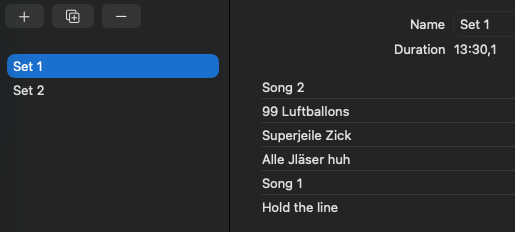
With the buttons above the list you can create, duplicate, and delete sets. To delete a set swipe it to the left. You can rename a set by editing the name field.
Sets
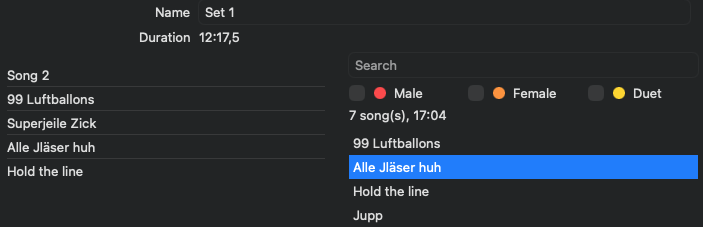
In order to edit a set select it in the list. You can change the order of the songs in the set by dragging and dropping them. To remove a song from the set swipe it to the left. You can drag song from the right side song list to the set to add it. You can also double click a song in the song list to add it to the set.
Note
Sets can contain the same song multiple times.
The list on the right shows all the songs in your project. You can filter the list by typing in the search field and/or by selecting the tags.